


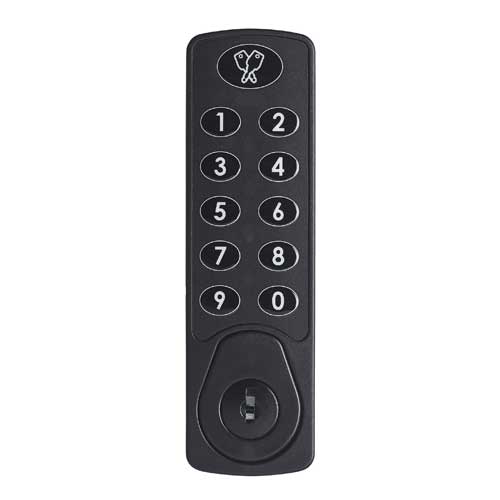
A premium, completely flat-flush lock with advanced features and modern look and feel.

Search our website
Overview
No keys, no fuss
End users can even book locker space directly through RAS 2.0, utilising its unique self service functionality. They simply scan a QR barcode on their smartphone to access the mobile friendly booking page.
Unlike other connected smart locker solutions, smart lockers powered by RAS 2.0 and Lowe & Fletcher Digital Combination Locks require no mains power, no wired or wireless communication and no cloud connection to operate.
This gives you the power to site your lockers anywhere, drastically simplifying installation.
With real-time visibility on lock usage and a user-friendly web interface, RAS 2.0 makes lock management effortless, without compromising on security. Administrators can generate access codes in a single click.
Super flexible
How it works
With RAS 2.0, administrators can monitor their locking systems from any location, on any device. Simply log-in to the web portal and you can see at a glance which locks are free and ready to be allocated to new users. The system can also manage multiple sites, simply and conveniently, all on one convenient platform.
All that’s required to unlock a compartment is a simple code generated on our secure website, meaning that there is no need to handle keys, no need for on-site reprogramming and no need for a supervisor to be there in person.
Managers can see at a glance which locks are free and ready to be allocated to new users. The same system can manage multiple sites, simply and conveniently, all from one place.
Plus, all RAS 2.0 customers receive full technical support from us, removing the need for ongoing software service costs.
Smart Lockers
Self Service Efficiency
RAS 2.0 provides your users with unparalleled convenience and control. Our self-service feature streamlines the locker rental process, providing a hassle-free experience for you and your customers.
-
Simple Rental
Users can effortlessly rent lockers through our intuitive online platform or by scanning on-site QR codes.

-
Tailored Options
Choose from a variety of locker sizes and additional features to suit your needs.
-
Instant Usage
Receive your unique access code immediately upon booking, allowing for instant locker usage.
-
Booking is a breeze
Rent lockers at your convenience, anytime, anywhere.
-
Protected Belongings
Rest assured that your personal belongings are safe and secure in specialised smart lockers.
Core Benefits
Why it’s so smart
Just some of the reasons why the smart lock management system may be right for you.

Remote Code Generation
The code for the next user is generated using the remote-locking website. The code is allocated by the administrator or through self-service QR code scanning.
– Grant access without needing local staff.
– No need to manually reset locks after each user.

Offline Operation
Locks do not require an internet connection.
– Avoid complex networking and connection issues
– Remote management benefits without expensive network hardware
– No mains power requirement

Website Management
Schedule bookings and send users their codes.
– The portal is ready-to-go, no need to develop custom booking systems
– API available for third party application integration
RAS 2.0 Compatible
Compatible Digital Combination Locks
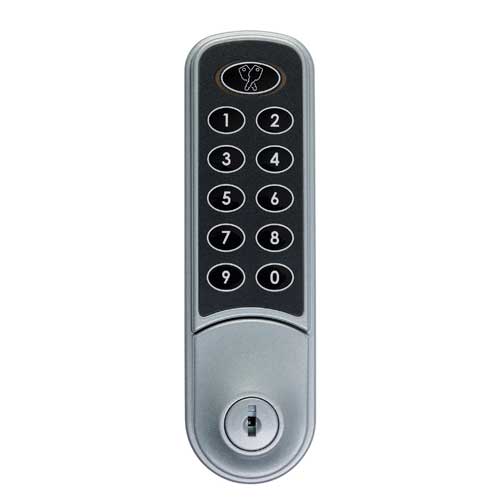
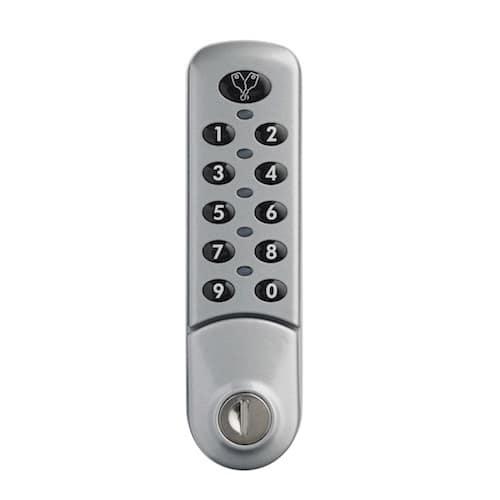
Our popular range of battery powered digital combination locks are fully compatible with our RAS 2.0, offering a minimum of 50,000 uses before the battery needs changing.
Ideal for those who want the benefits of web-managed locking but without the cost or complexity of internet connected functionality. Our digital combination locks feature easy installation with no hard wiring or additional power or infrastructure required to run and manage the system.
-
Horizon
-
Nimbus
-
Zenith
-
Gemini

What makes RAS 2.0 Unique?
Additional Functions
RAS 2.0 now has a range of additional functions that make it even smarter than before!
-
Administrator Dashboard
Clearly shows availability of locks and lockers by type
Single click – easy allocation
Filters for easy identification of availability
-
Administrator Payment Option
Administrators can take payment at point of booking
-
Configurable locker sizes
Allows for different size lockers to be available
Each locker can have up to three additional functions, for example, charging socket or light
Different payment rates (including non-payment option) can be set depending on size and function

Contact Us
Revolutionise Your Lock Management
Customise Your System
Available Options
Adapt the functionality of our smart lock systems with a range of optional features.
-
Scheduled Unlock
The lock keeps track of the time and date, while activation codes allow the lock to be used for a chosen period of time. This makes it ideal for storage applications where the lock should prevent further use after the reserved period has expired.
Day Mode: An activation code allows the lock to be used for a 24-hour period – the code is date generated and changes every day.
Start/Stop Time Mode: For finer control, start-end times for the booking are chosen on the RAS website and a code is generated which gives access only between these times.
-
Website Interface (API)
The web API allows a registered website or app to generate lock codes directly from our secure server.
Generate user codes from your own website, with no need to visit our main RAS site.
Create a unique interface tailored exactly for your business model, with RAS technology working in the background.
Ideal Applications
How will you use RAS?
The system works brilliantly across many applications and is ideally suited to the following:
-
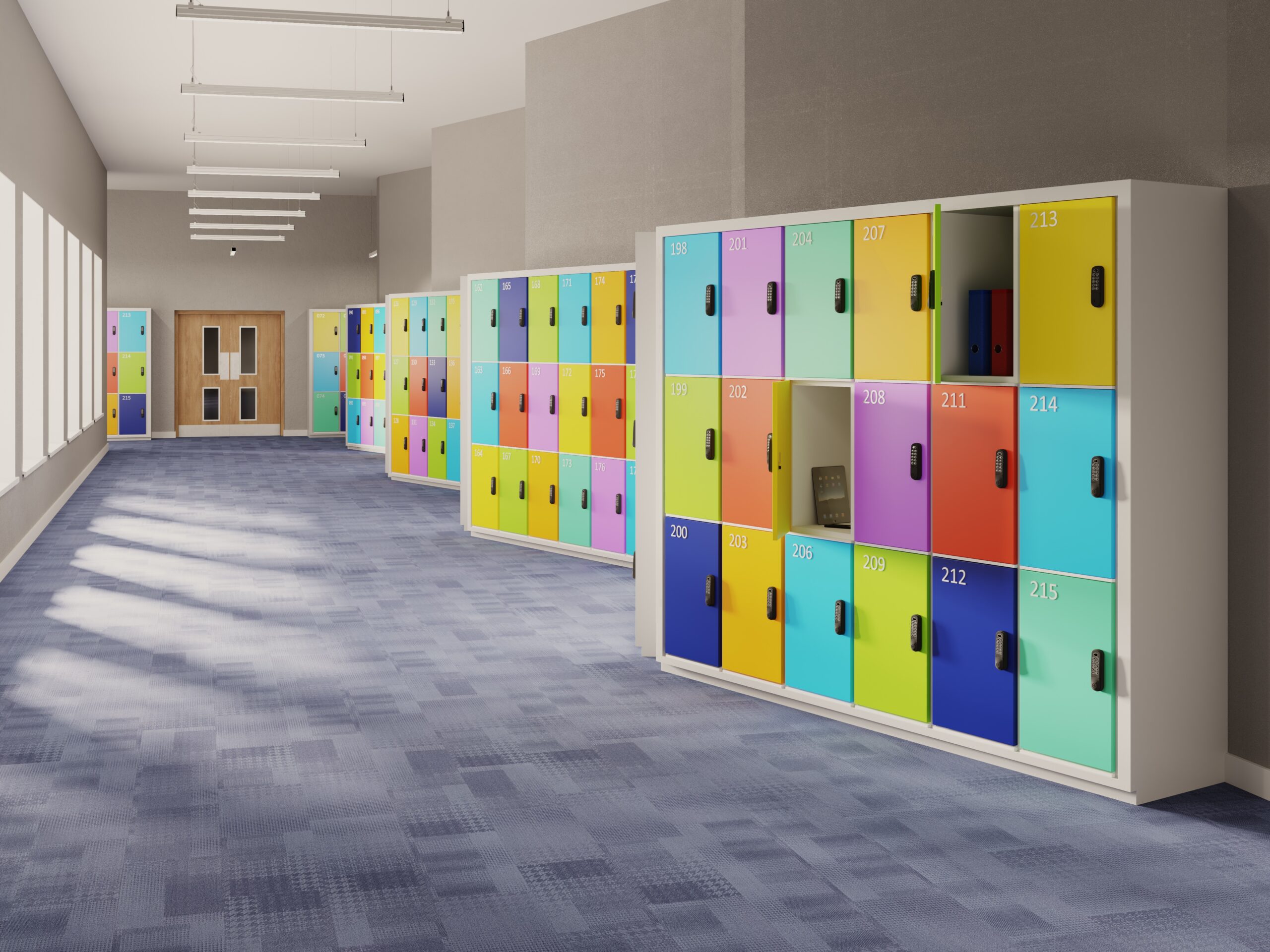
Education
-
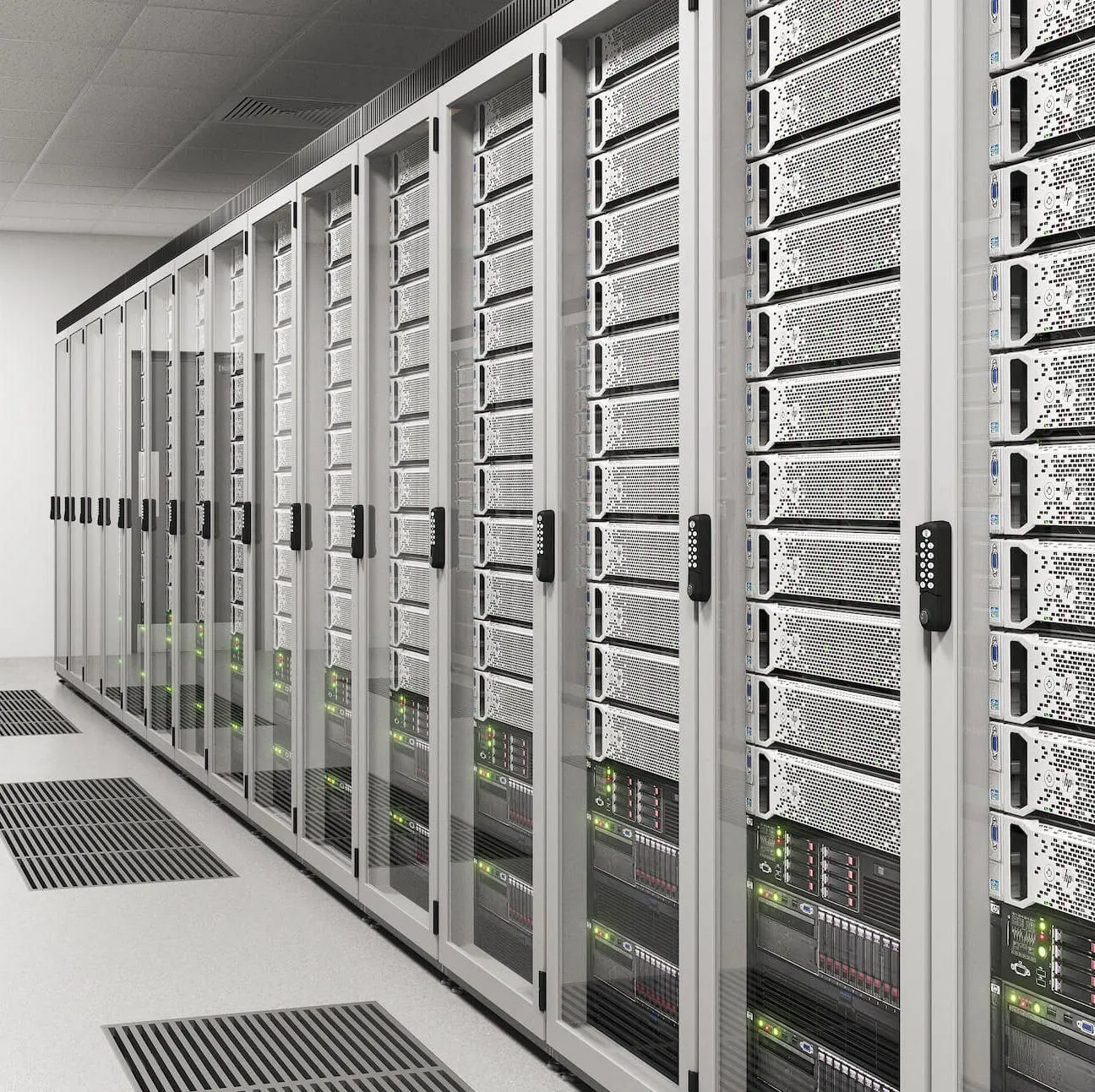
Asset Management
-
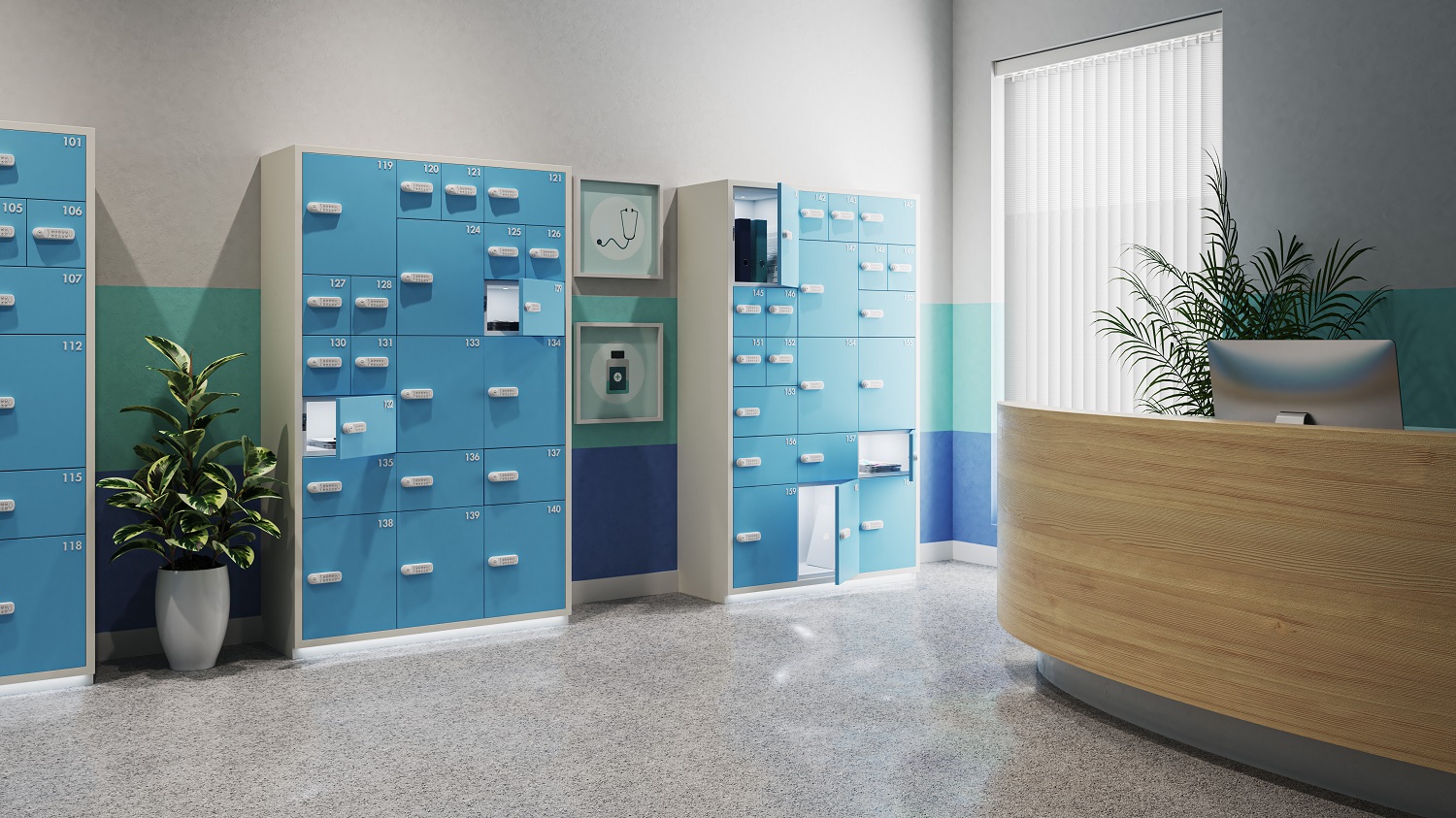
Parcel Pick-up & Drop-off Lockers
-
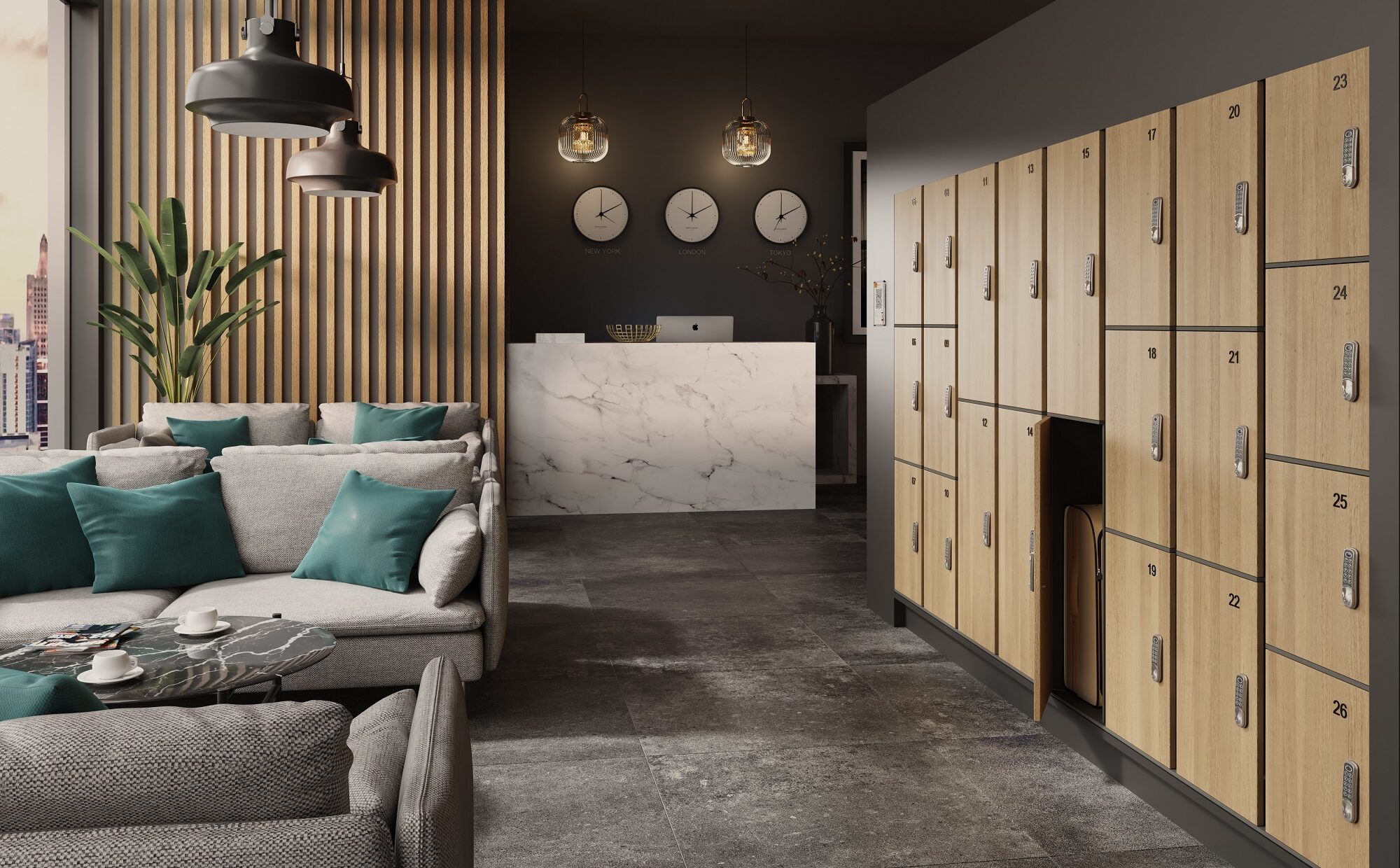
Left Luggage & Bag Drop
-
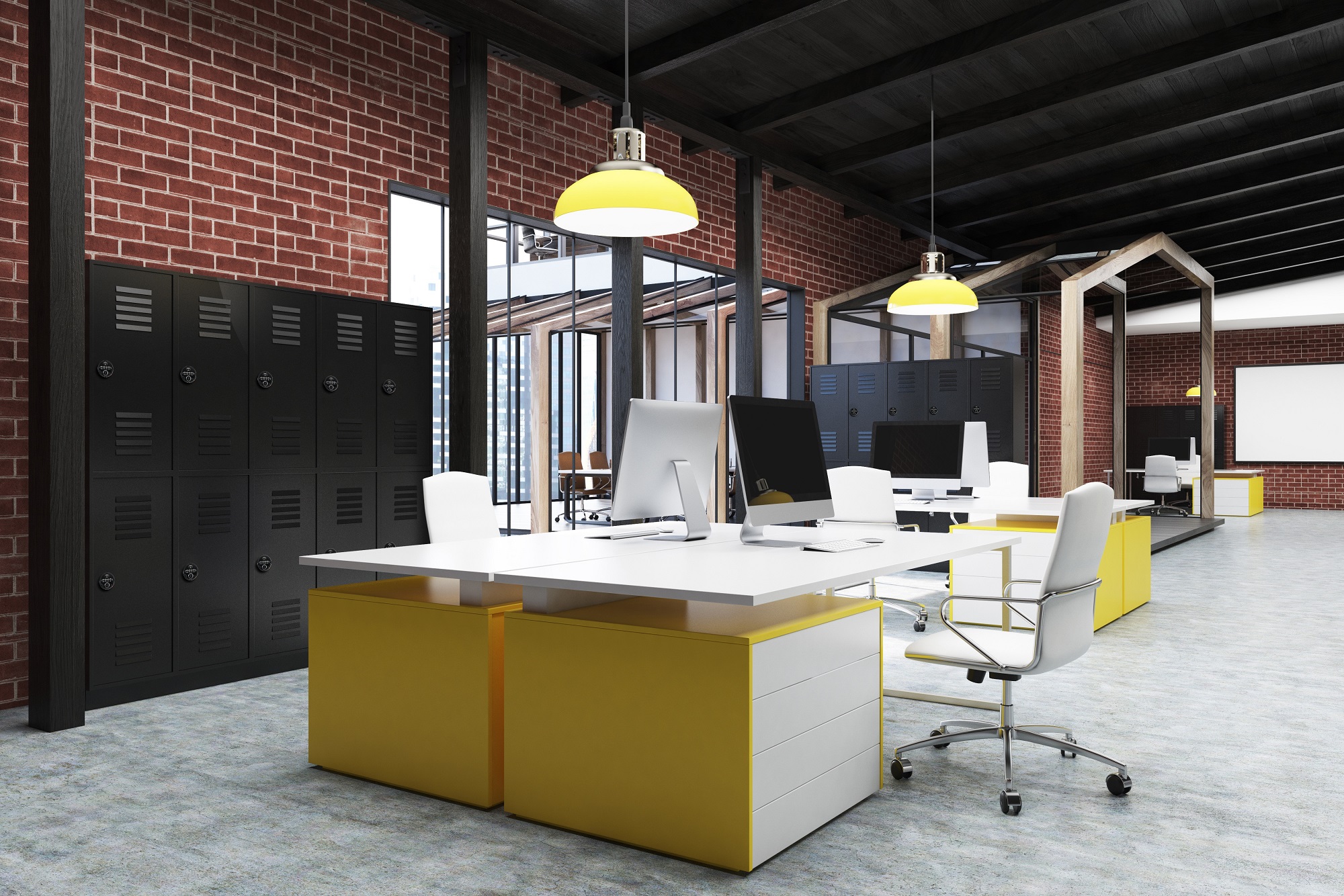
Employee Lockers
Revolutionising Locker Systems at Coventry & Warwickshire Partnership NHS Trust
The introduction of RAS lockers at Coventry & Warwickshire Partnership NHS Trust has revolutionised its IT service delivery.
Read how the RAS system provides a scalable, efficient and safe solution that meets the needs of a geographically dispersed workforce.